Lossless SafeTensors storage is not weight quantization
“Compress SafeTensors” can mean two fundamentally different things: preserve the original bytes for exact recovery, or create a different weight representation that is smaller for a particular runtime. Pick the requirement first; the tools follow from it.
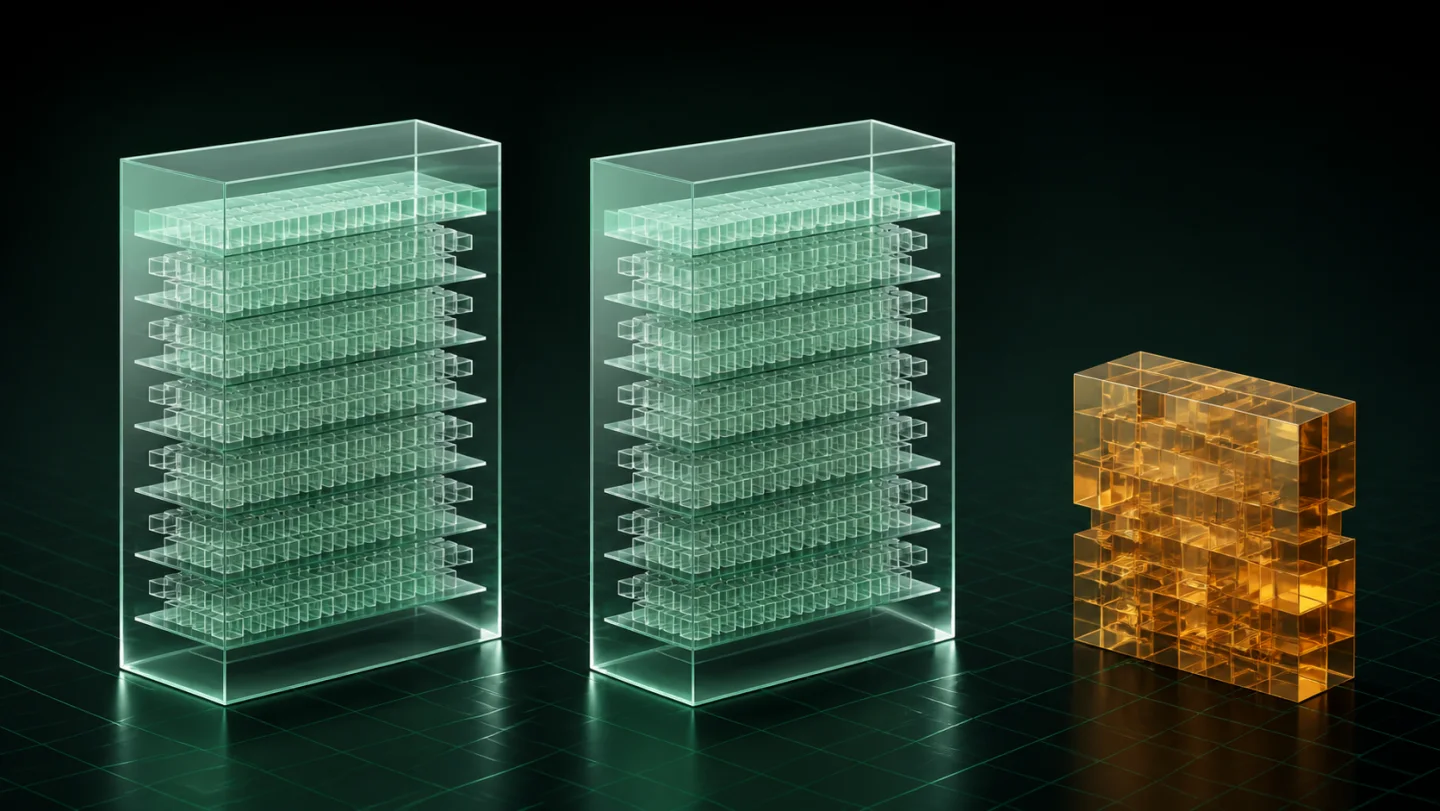
Exact recovery versus altered weights
Quantization is a model-format decision. It reduces numerical precision or otherwise changes the representation so a runtime can use less memory or storage. It may be entirely appropriate for deployment, but the output is not the original artifact.
A lossless archive has a different job: recover the original file bytes exactly. Tensor Archive is for keeping related local model versions in a compact managed family and restoring a selected version on demand. It is not a quantizer, a pruning tool or a format converter.
Ask one concrete question: when you retrieve this model later, must it be byte-for-byte the file you started with? If yes, do not make a format transformation your only preservation plan.
Why one SafeTensors file may barely change size
File size alone does not tell you whether a storage workflow will have a strong result. An individual file can contain data that is not usefully repeatable for an exact archive. A related family can be different: self-contained deployments may repeat a base checkpoint, and completed project versions may share substantial material.
That is why the first step should be an analysis of the files you intend to keep together. Do not promise a percentage from the extension or assume that a large file is automatically a good archival candidate.
Read the benchmark in its real scope
Tensor Archive publishes a controlled five-deployment example in which 907.3 MB stored independently became 261.6 MB as one related model-and-adapter family: 71.2% less physical storage. The comparison is valuable because the workload, the relationship between files and the exact-restore condition are stated next to the result.
What this does not say: that a single SafeTensors file, a random folder or every LoRA will save 71.2%. Unrelated and already-compressed files may save little. A real decision should come from the analysis of the family in front of you.
How to test a storage workflow safely
- Make an independent copy of anything that cannot be replaced.
- Choose one related family and inspect it before you change a working folder.
- Analyse the source and review the expected result.
- Archive it, run Verify, and restore to a separate output.
- Compare or load the restored artifact in the workflow that matters.
- Only after that test should you choose whether a working copy can be removed manually.
Choose the tool that matches the problem
Use quantization when you intentionally want a different deployment representation and understand its runtime trade-offs. Use an exact local archive when you need to retain and recover the original bytes of related models while reducing repeated storage where that relationship exists. For a LoRA-specific cleanup workflow, read how to free disk space in a LoRA library.
Start with one family and a result you can inspect. Download Tensor Archive to run the workflow locally, or review the public benchmark summary before you try it.
Sources
- SafeTensors project documentation — format goals, layout and supported tensor types.
- Tensor Archive benchmark summary — the published workload and exact-restore evidence.