Where is the Hugging Face cache directory?
For the Hugging Face Hub, the documented default cache directory is ~/.cache/huggingface/hub. But the active location can be overridden, so inspect configuration and the cache itself before treating a folder as disposable.
Default path and documented overrides
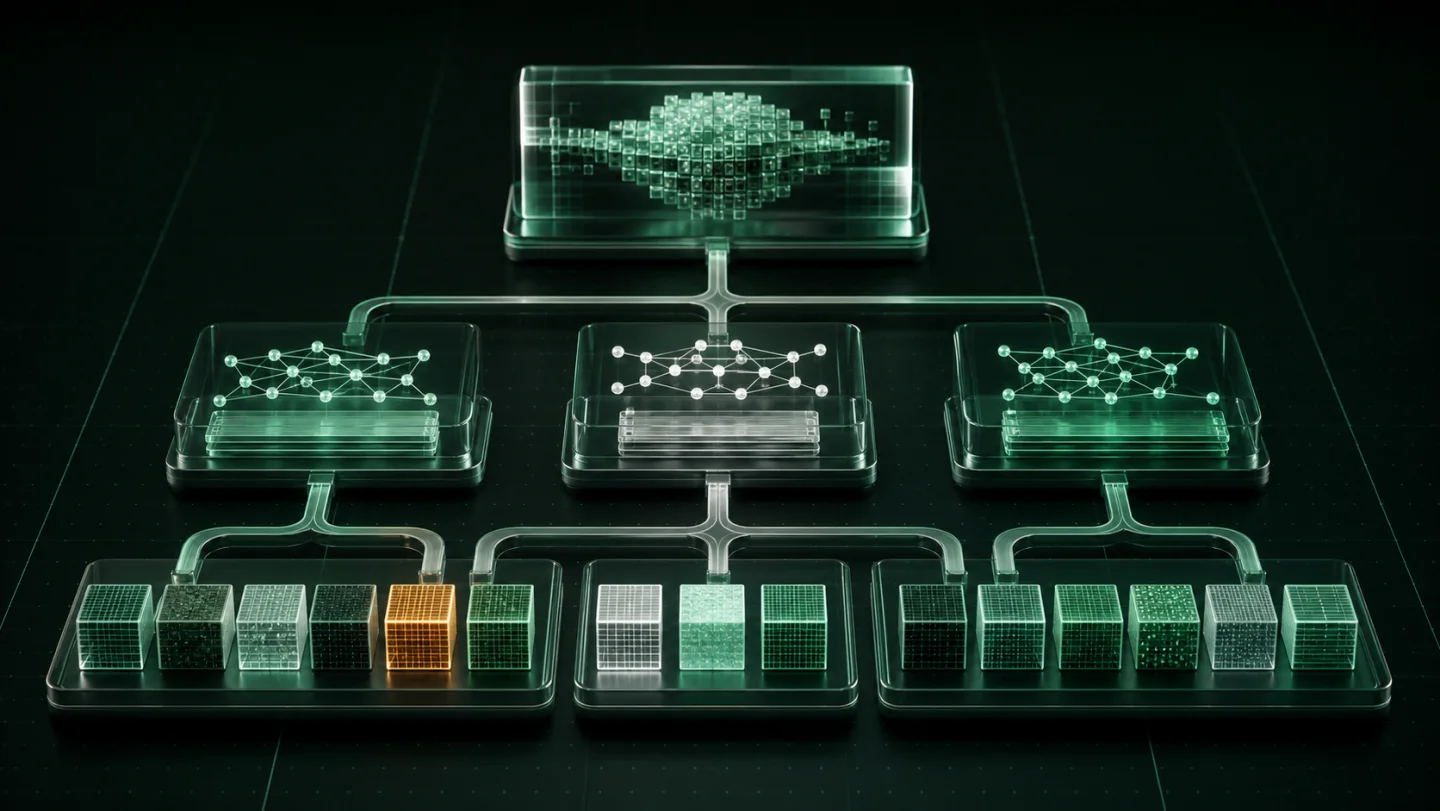
The Hub cache stores downloaded model, dataset and Space repositories below its cache root. The default root is ~/.cache/huggingface/hub. Inside it, repositories are commonly named like models--organization--repository, with directories for blobs, snapshots and references.
HF_HUB_CACHEsets the Hub cache directory directly and takes priority.HF_HOMEsets the Hugging Face home directory; when it is set, the Hub cache lives underHF_HOME/hub.- Individual library calls can also supply a cache directory, so a project can use a path that is not the global default.
Do not infer intent from the folder name. The same machine can hold a shared Hub cache, a project-specific cache and a deliberately curated model directory. They are not automatically interchangeable.
Inspect before you free anything
Use the Hugging Face CLI to see what its cache manager knows about the active cache. The documented hf cache ls command lists cached repositories, size and access information. If you have moved the cache, pair cache management commands with the corresponding cache directory option rather than assuming the default.
# Show which location this shell will use
printf '%s\n' "${HF_HUB_CACHE:-${HF_HOME:-$HOME/.cache/huggingface}/hub}"

# Inventory cached repositories before pruning
hf cache ls
Before removing a snapshot, identify the project, runtime and revision that use it. A cache can contain more than the model file you have in mind, and a source tree or local inference workflow may rely on a cached revision that is not obvious from a file browser.
Cache cleanup versus long-term retention
The Hugging Face cache is optimized for avoiding unnecessary downloads. It is not automatically a long-term catalog of the model versions you want to preserve. If a group of completed model artifacts matters to your work, first decide what you need to recover later and keep an independent backup where appropriate.
Tensor Archive fits after that decision: it can preserve a related local family, verify it and restore a separate exact copy before you manually reclaim a redundant working copy. It does not replace Hugging Face’s own cache management or tell an active library where to download models.
A safe sequence
- Check whether
HF_HUB_CACHEorHF_HOMEchanges the active location. - List the cache through the Hugging Face tooling and identify the repositories you no longer need immediately.
- Keep or independently back up any model version that matters.
- For a completed related family, analyse it, archive it, verify it and restore a separate copy before manual reclamation.
If the cache is on the wrong disk, change the Hugging Face cache directory with the correct environment variable. If the problem is stale revisions, clear the Hugging Face cache safely through the cache manager. Files belonging to another runtime need that runtime’s own storage guide.
Sources
- Hugging Face Hub Local Cache documentation — default location, cache structure and environment-variable overrides.
- Hugging Face CLI documentation — documented cache inspection and cleanup commands.
- Hugging Face cache management guide — listing, deleting, pruning and verifying cached repositories.