One base model, several adapters: keep deployments without repeating the base
A LoRA is small only until the way you package it repeats a large base model five times. When the base and its adapters genuinely belong together, the storage question is not “which file can I squeeze?” but “which relationship do I need to recover later?”
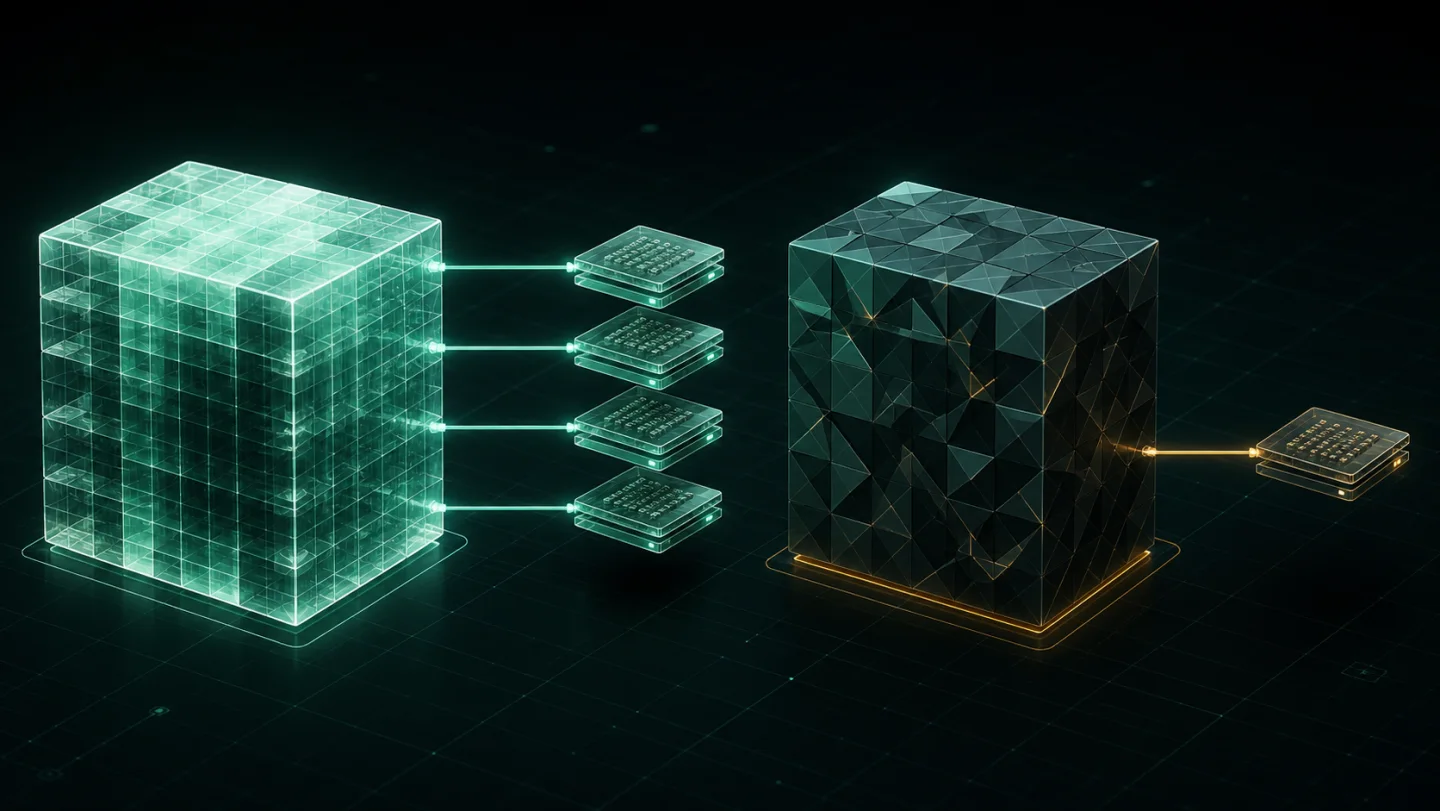
The repeated-base pattern
It is common to make self-contained deployment folders because they are convenient to copy or hand off: one folder per adapter, each carrying the base model it needs. The folders are easy to reason about individually, but the library becomes expensive when the same base appears in every deployment.
The useful unit is the related family. Keep the base, the adapters and the deployment versions together when you can state the relationship in one sentence. Do not mix unrelated models simply because they happen to use the same disk.
Convenient locally, but the same bytes can appear repeatedly across related releases.
What belongs in one family?
- one base checkpoint with LoRAs or adapters intended for it;
- closely related self-contained deployments that repeat that base; or
- completed revisions from a single model project with a clear recovery purpose.
Do not merge every checkpoint, every LoRA or every model format into a giant archive. An archive should reduce ambiguity, not add it. If you could not explain why a file belongs to the family, keep it separate.
What the measured result actually shows
Tensor Archive’s controlled five-deployment model-and-adapter example measured 907.3 MB when each deployment was stored independently and 261.6 MB as one related family: 71.2% less physical storage. The point of the number is the repeated-base pattern, not a universal claim about adapters.
Read the scope, not just the percentage. Five related self-contained deployments were used, and the restores were exact. An individual adapter, a folder with no shared data or a library of unrelated models can have a very different result.
A safe way to test the pattern
- Choose the base and only the adapters that are genuinely related to it.
- Use Add model family → Local folder and run Analyse source.
- Review the result before archiving; this is where a real family earns its place.
- Archive it, run Verify, then restore a separate copy.
- Test the restored version in the workflow that needs it before you remove any old working copy manually.
Keep storage and transformation separate
This is not a reason to convert every file or change model weights. Tensor Archive is not a quantizer or model converter; it is a local archive for related versions where exact recovery matters. If the package is unclear, inspect what a LoRA file contains before grouping it. For the storage-versus-transformation distinction, read SafeTensors storage versus quantization.
When the relationship is real, the workflow is simple: analyse, archive, verify, restore, then choose manually what to remove. Download Tensor Archive to run that test with one family.
Sources
- LoRA: Low-Rank Adaptation of Large Language Models — why adapters are separate, low-rank updates to a base model.
- Tensor Archive benchmark summary — the five-deployment workload and exact-restore evidence.