ComfyUI model library backup: keep workflows, reclaim disk space
A useful ComfyUI backup starts with the paths your running installation actually loads. Inventory native folders and every extra model path, group the checkpoint and companion models required by a known workflow, archive that family, then restore it to a separate test location. Only a successful workflow run earns you the option to remove a redundant copy.
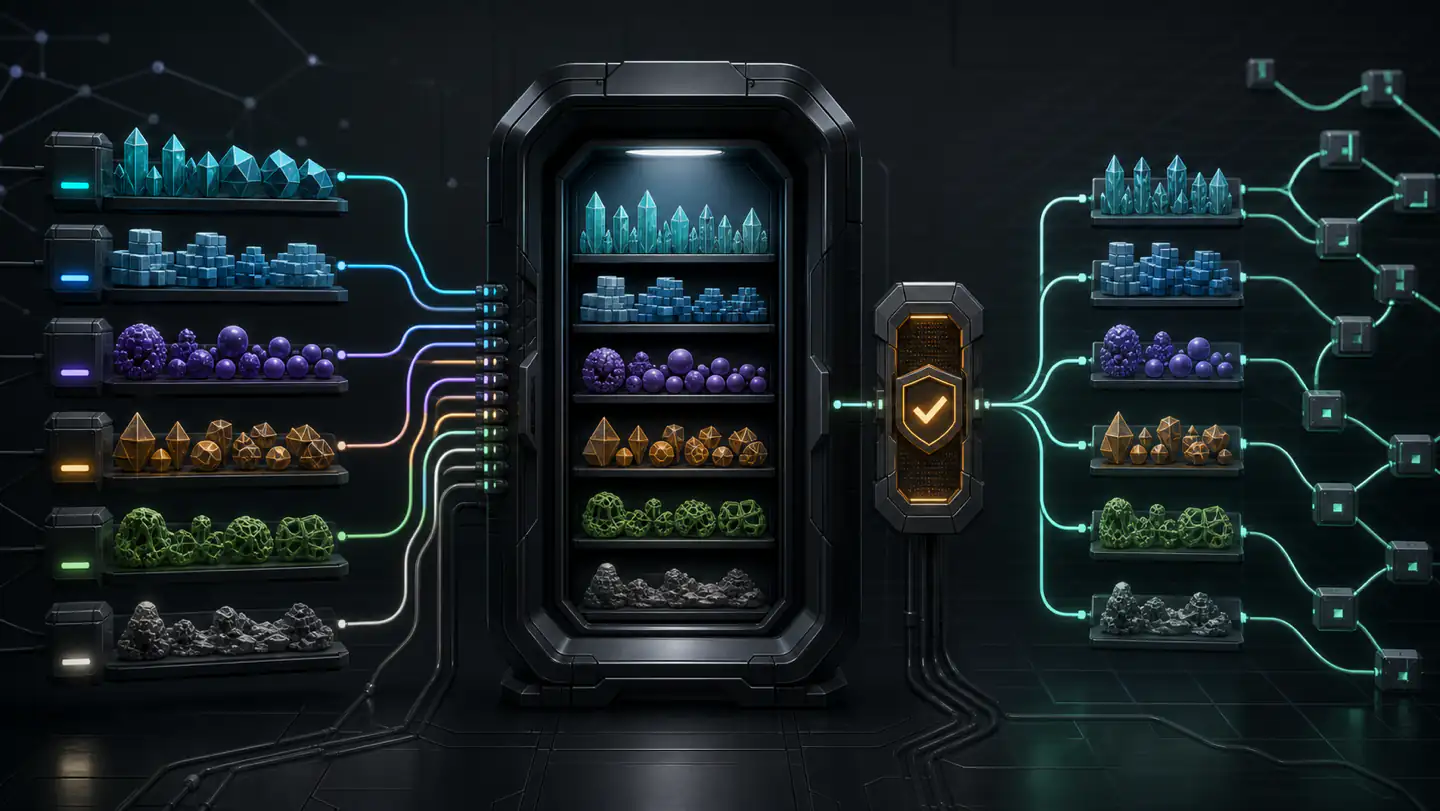
Start from ComfyUI’s active model paths
The native ComfyUI models folder is organised by type: checkpoints, diffusion models, LoRAs, VAEs, text encoders, ControlNets and more. extra_model_paths.yaml or the Desktop extra_models_config.yaml can point those types at other libraries. Custom nodes may register additional locations.
That means copying only ComfyUI/models can produce a convincing but incomplete backup. Open the active model folder, inspect the extra-path configuration and note any custom-node storage used by workflows you care about.
ComfyUI/models/              # native type folders
/Volumes/AI-Library/models/  # one possible extra path
custom_nodes/...             # only when a node package owns assets here
Back up a workflow family, not the entire disk first
Choose one workflow that matters. Read its loader nodes and identify the exact checkpoint or diffusion model, VAE, text encoder, LoRAs, ControlNets and other model assets it references. Save the workflow JSON or image containing workflow metadata, but do not mistake that graph for the weights themselves.
A family boundary keeps the first recovery test understandable. If the restored workflow fails, you can see which dependency was missed. An indiscriminate multi-terabyte copy makes omissions harder to diagnose and delays the moment when you know anything is recoverable.
Find duplicates without assuming names prove identity
The same checkpoint may exist in native and extra folders under different names. Two identical filenames may also contain different bytes. Hash candidate files before calling them duplicates; record which active paths and workflows reference each copy.
Shared extra paths can eliminate redundant working copies across ComfyUI installations, but they create a shared failure domain. Deleting from that library affects every installation that points there. A shared path is organisation, not backup.
Create and verify the archive
- Stop active downloads, training and writes to the chosen family.
- Record source paths, sizes and checksums.
- Archive the complete related family without changing tensor precision or format.
- Run archive verification before touching the working files.
- Restore to a new directory with enough space for a real test.
- Compare restored bytes with the sources.
Tensor Archive is designed for this local exact-retention step: select related local tensors, archive and verify them, then restore the bytes for proof. It does not edit ComfyUI’s YAML, delete source files automatically or decide that two visually similar outputs came from interchangeable models.
Make ComfyUI load the restored family
Add the test directory as an extra model path or place the restored files into an isolated ComfyUI test installation. Restart ComfyUI so the changed path state is unambiguous. Open the saved workflow and check every model loader before queuing it.
Run a small deterministic or otherwise recognisable test appropriate to the workflow. The goal is not to prove that generative output will be bit-identical across every hardware and software environment; it is to prove that the model files restored byte-for-byte and the intended workflow can load them.
Do not test against the original by accident. Temporarily remove or disable the original extra path in the isolated test configuration so ComfyUI cannot silently fall back to the working copy.
Reclaim space in the safest order
- Remove byte-identical redundant working copies whose references you have redirected.
- Review stale experimental LoRAs and checkpoints only after their provenance is recorded.
- Keep source artifacts when a derived quantized or merged copy cannot reconstruct them.
- Leave active paths alone until the restored family has survived a restart and real workflow load.
For adapter-heavy installations, follow the focused guide to free disk space in a LoRA library. For broader triage, use the model-library retention checklist.
What this backup does not preserve by itself
Model weights are only part of a reproducible ComfyUI environment. Keep ComfyUI and custom-node versions, workflow files, Python or package state where relevant, prompts, seeds and licences through the tools appropriate for those assets. Tensor Archive focuses on tensor retention; source control and environment manifests still have jobs to do.
Sources
- ComfyUI Docs: Models — native folder types, Desktop locations, extra paths and troubleshooting.
- ComfyUI extra model paths example — current external-library configuration keys.
- ComfyUI folder_paths.py — current default registrations and runtime path handling.