A local model-library retention checklist before you free disk space
The expensive part of a model library is not always the biggest file. It is often the model you cannot identify again, the adapter whose base you forgot, or the runtime copy you delete while it is still in use. Retention starts with clarity, not a cleanup command.
Before you touch a folder
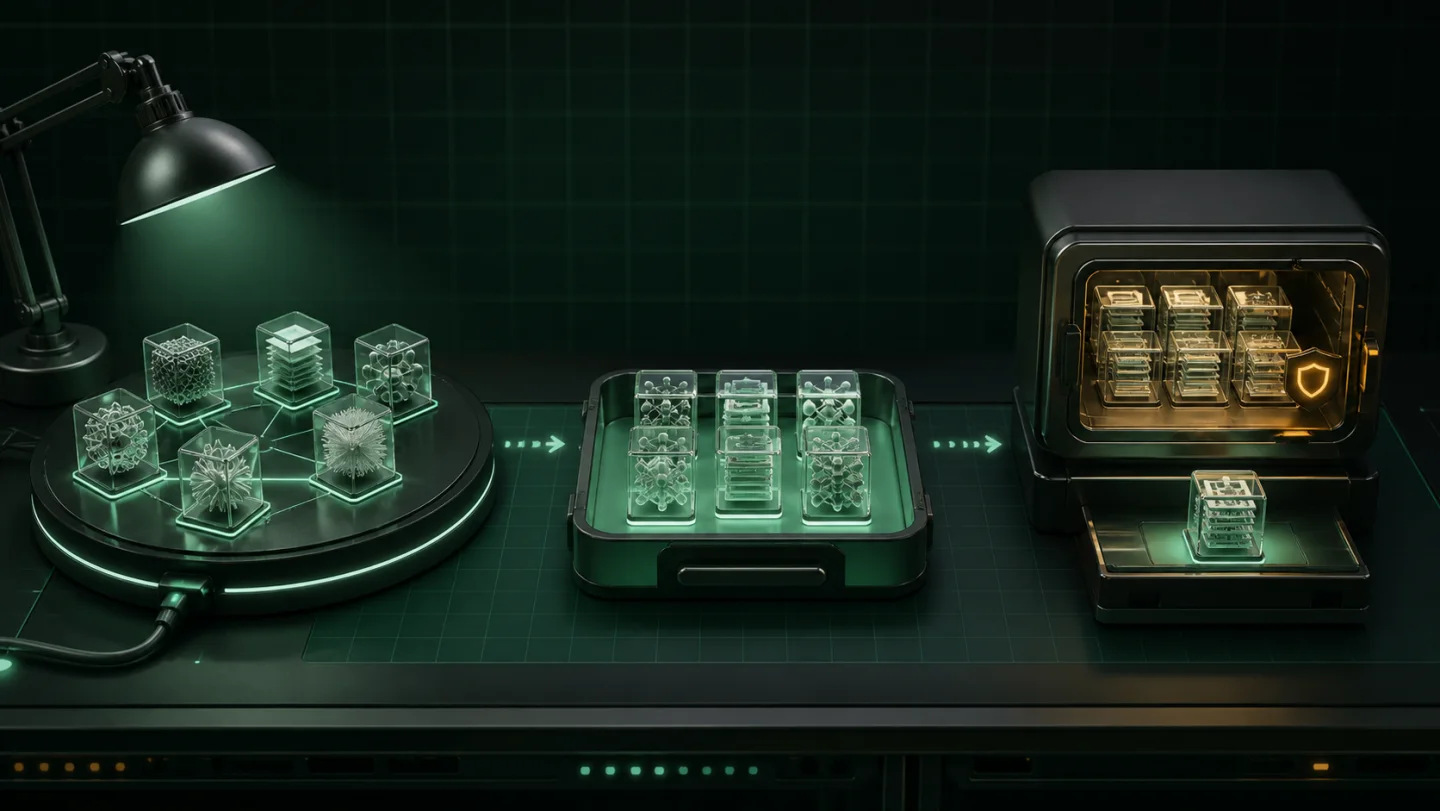
Start by separating three categories: active runtime storage, temporary or reproducible downloads, and completed model artifacts you deliberately want to retain. A folder can move from one category to another, but treating all three as “stuff to delete later” is how useful model history disappears.
- Name the relationship.
For every artifact you keep, write down the project, intended base, runtime or reason you will need it again. - Check whether it is live.
Do not archive, move or remove a folder that a running app, training job or model server currently expects. - Retain rights and provenance.
Keep only files you are entitled to store, and preserve the creator, source and version information you need to understand them. - Keep an independent backup when it matters.
A local archive helps recovery and working-disk management; one machine is not a complete resilience plan.
Do not confuse runtime stores with a library
Hugging Face, Ollama, LM Studio and ComfyUI each have ways to cache, download, import or discover models. Those stores are designed for their own runtimes. Before reclaiming space, learn where the active data lives and how the application expects it to be managed.
The Hugging Face cache guide, Ollama storage guide, LM Studio guide and ComfyUI models folder and extra model paths help identify those boundaries. They should come before any storage decision.
Choose the archive family
Tensor Archive works best when the family is real: a base with its adapters, completed versions from one project, or deployments that repeat the same base. It is not a generic “archive my whole drive” button, and it does not decide which source folders should be deleted.
Start with the models you reach for most. That gives you a recovery test you can actually evaluate, rather than a giant archive you cannot reason about.
Make recovery the completion condition
- Analyse the local family and inspect the result before archive creation.
- Archive the family into a managed local copy.
- Run Verify to establish recoverability of the stored bytes.
- Restore to a separate location and test it in the workflow that matters.
- Only then remove a redundant source copy manually, if you still want to.
Verification is not model evaluation. It proves that the archived files can be recovered exactly. It does not prove that the restored model has the quality, safety, prompt behavior or training outcome you expect. Run the test that matters for your use case.
Then repeat the workflow—not the risk
Once the first family is proven, repeat it deliberately: a base plus adapters, a completed experiment, or a group of deployments that repeat the same model. Keep a simple inventory of what you archived and why. Small, intelligible families are easier to restore and far less likely to create a surprise later.
For the first hands-on sequence, see Tensor Archive’s quick start. If your immediate problem is a LoRA library, begin with the disk-space guide. For runtime-specific work, use the ComfyUI model backup workflow or clear the Hugging Face cache safely only after retention decisions are explicit.
Runtime references
- Hugging Face Hub local cache — cache layout and configuration.
- Ollama FAQ — platform model locations and overrides.
- LM Studio model inventory — the supported command for listing local models.
- ComfyUI model paths — native model folders and additional search paths.