How to change the Ollama model directory safely
Set the OLLAMA_MODELS environment variable to the new directory, copy the current model store there, restart Ollama and prove that a known model still runs. Keep the old directory until the new location survives that test and a fresh restart.
Before you move anything, locate the active store
The default Ollama model location depends on the operating system: ~/.ollama/models on macOS, /usr/share/ollama/.ollama/models for the standard Linux service installation, and C:\Users\%username%\.ollama\models on Windows. An existing OLLAMA_MODELS value overrides those defaults.
Check the process environment before assuming the default is active. Also check that the destination has enough free space for a temporary second copy. A move that starts by deleting the source has no clean rollback when permissions, service configuration or a typo turns out to be wrong.
Copy the directory without changing its internal layout
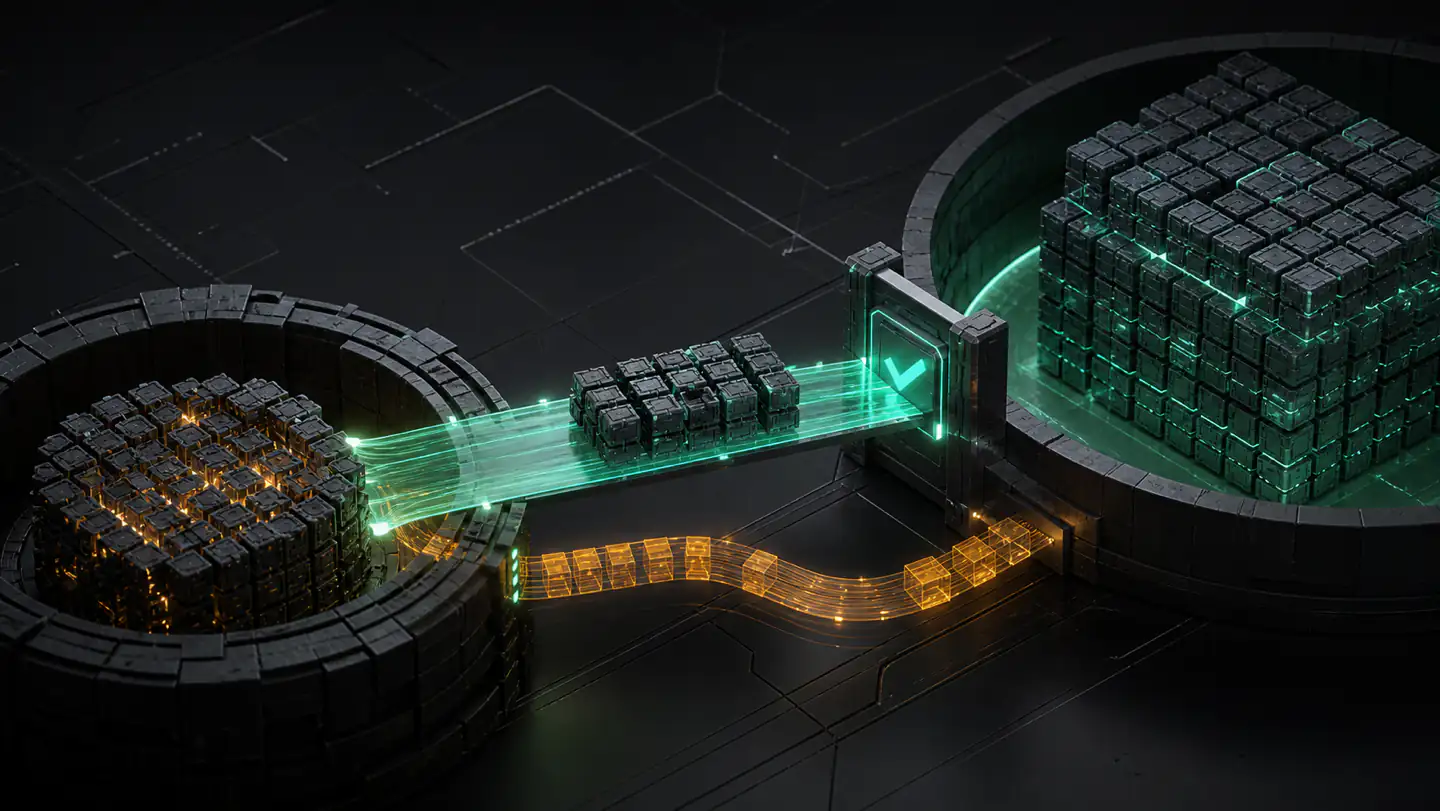
Stop active pulls and model runs, then copy the contents of the current models directory to the destination. Preserve the directory structure and filenames. Ollama’s store is not a folder of friendly model names that should be reorganised by hand; manifests refer to content blobs inside that layout.
# Example destinations — choose a real path on your machine
/Volumes/AI-Library/Ollama/models       # macOS
/mnt/ai-library/ollama/models           # Linux
D:\AI-Library\Ollama\models             # Windows
Use the platform’s normal copy tool and compare file counts or hashes afterward. Do not point the service at a half-copied destination while the copy is still changing underneath it.
Set OLLAMA_MODELS where the Ollama process can read it
The variable must exist in the environment of the Ollama application or service—not merely in one terminal window you later close.
- macOS app: quit Ollama, run
launchctl setenv OLLAMA_MODELS "/Volumes/AI-Library/Ollama/models", then reopen the app. The official FAQ notes that the app inherits environment variables throughlaunchctl. - Linux systemd service: run
systemctl edit ollama.service, addEnvironment="OLLAMA_MODELS=/mnt/ai-library/ollama/models"under[Service], then reload systemd and restart Ollama. - Windows app: quit Ollama from the taskbar, add a user environment variable named
OLLAMA_MODELSin Windows Settings, then start the app again.
On Linux, the standard installer runs the service as the ollama user. The official guidance therefore requires that user to have read and write access to the destination; its example is sudo chown -R ollama:ollama <directory>. Choose permissions that fit your system rather than making the library world-writable.
Verify the destination instead of trusting the setting
- Restart Ollama completely.
- Run
ollama listand confirm that a known model is present. - Run that model with a tiny prompt, then stop it normally.
- Pull a small model or inspect modification activity to confirm new data lands in the destination.
- Restart once more and repeat the known-model test.
If the list is unexpectedly empty, stop there. Recheck the variable as seen by the service, directory ownership and whether you copied the contents into one extra nested models folder. Restoring the previous environment value should put the old path back in service immediately.
Moving storage is not the same as preserving it
A new directory can solve a capacity or placement problem, but it is still live runtime storage. Accidental deletion, filesystem failure or an over-eager cleanup can affect the only copy. Keep a separate recovery strategy for models you cannot afford to fetch, recreate or retrain.
Tensor Archive is useful after you can name the related files you intend to retain. Archive a completed local family, verify it and restore it to a separate location before treating any working copy as expendable. It does not replace OLLAMA_MODELS, edit the service or pretend that a path change is a backup.
What to read next
For a map of the defaults and override behaviour, see where Ollama stores models. If several tools now point at the same disk, use the local model-library retention checklist before removing older copies.
Sources
- Ollama FAQ — current default directories,
OLLAMA_MODELS, platform-specific environment configuration and Linux permissions. - Ollama CLI reference — current
ollama list,runandpullcommands used for verification.